# Settings
#### **General**
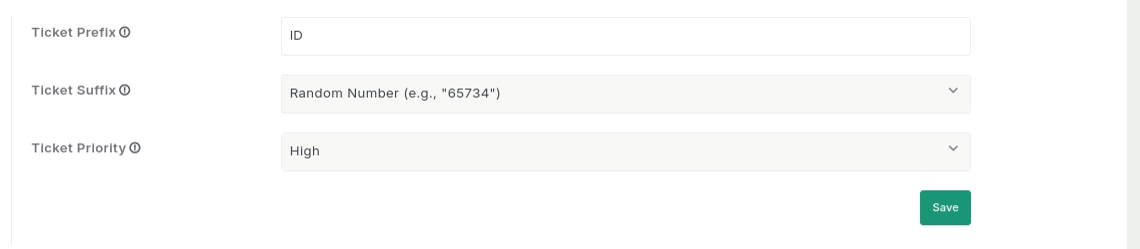
#### How to Set Ticket Identifier and Default Priority ?
In the 'General' tab, you can set up ticket numbering format by defining the ticket prefix and suffix, as well as set the default priority level for new tickets, as shown in the screenshot below.
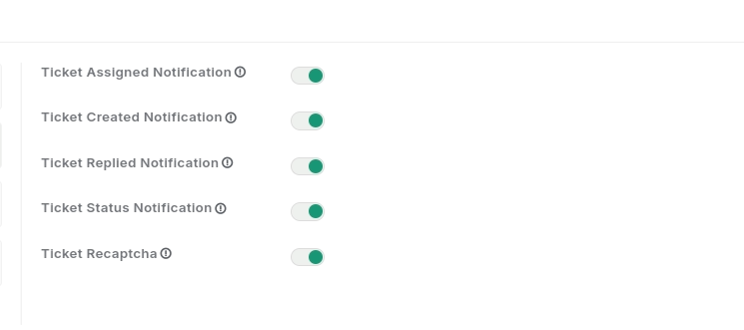
#### Activation
In the 'Activation' tab, you can manage key notification settings, including ticket assignment, creation, reply updates, status changes, and reCAPTCHA activation.
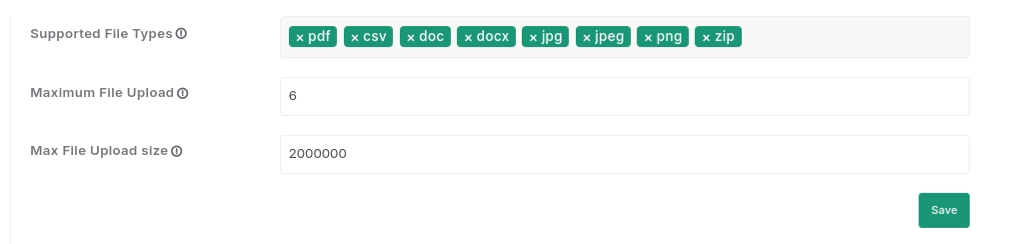
#### Storage Configuration
In the 'Storage Configuration' tab, you can configure settings for allowed file types, maximum file uploads, and file size limits.
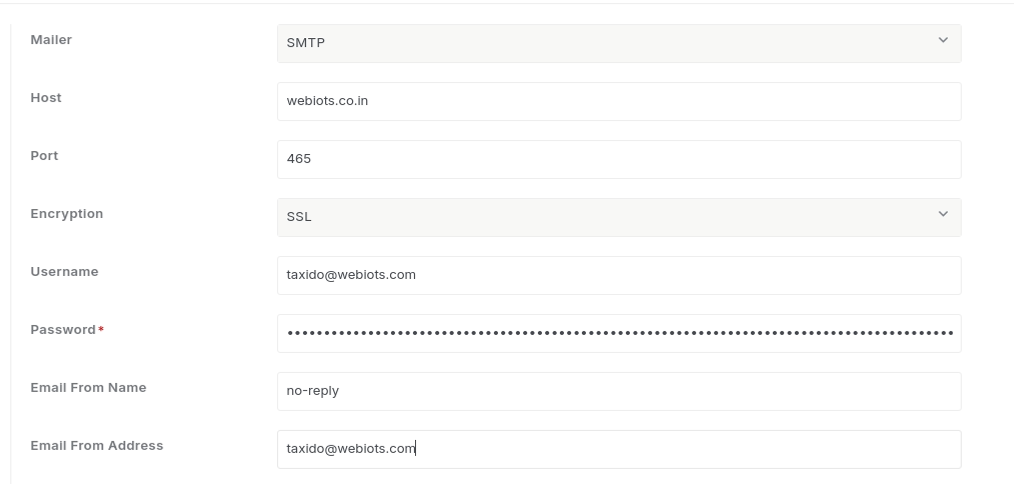
#### Gmail Configuration
In the 'Mailer Tab', you can select any of the 2 options:
1. Sendmail
2. SMTP
Please review the document and complete the mail configuration form.
\
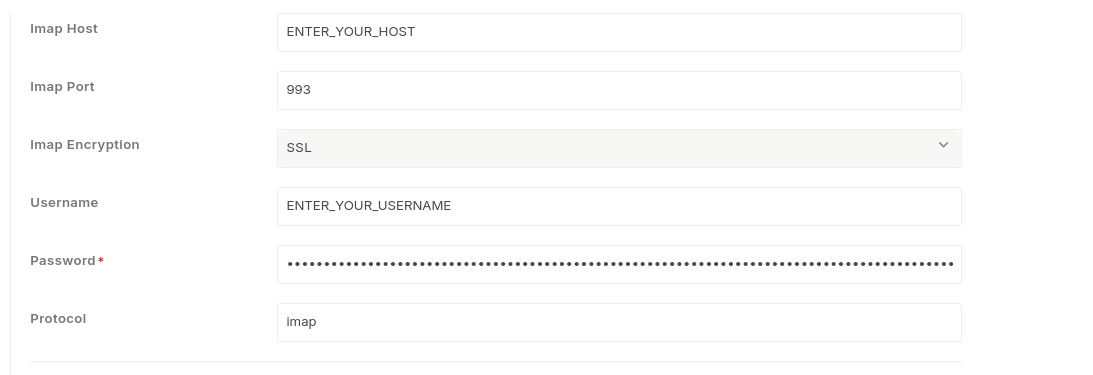
Email Piping Configuration
In the 'Email Piping Configuration' tab, configure your IMAP credentials to enable email piping. This allows incoming emails to be automatically processed and integrated into your system without manual intervention.