# Email Piping Configuration
#### **Email Piping Configuration**
#### **Set IMAP Permissions for Your Email**
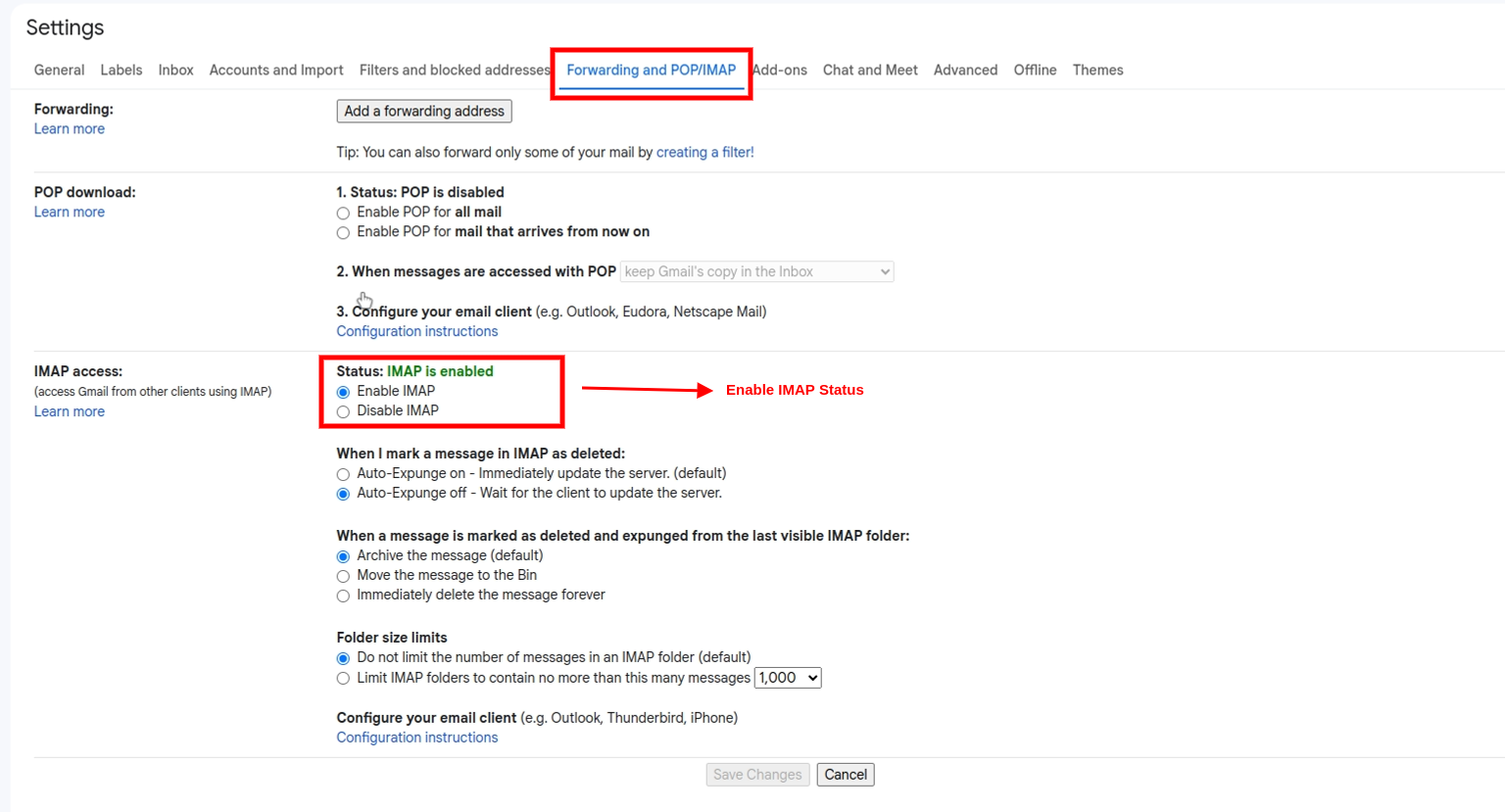
To set the IMAP permissions follow the steps given below :-
1. Open a web browser.
2. Sign in to your Google Account if you're not already signed in.
3. Go to your [Gmail](https://mail.google.com/) after Sign in
4. Go to your [Gmail Settings](https://mail.google.com/mail/u/0/#settings/general).
5. Go to Forwarding and POP/IMAP tab.
6. For obtaining the app password you can refer [Gmail Configuration](https://docs.pixelstrap.net/laravel/taxido/support-ticket-gmail-configuration.html).
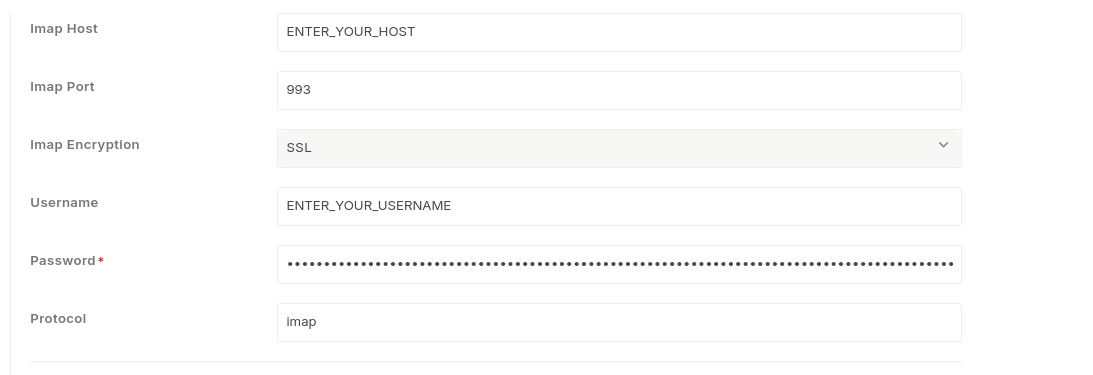
#### **Set IMAP Configuration**
Please ensure all necessary information is provided to ensure successful Email Piping. Fill in all required fields accurately to avoid errors. This allows incoming emails to be automatically processed and integrated into your system without manual intervention.