# Plans
### **Introductions**
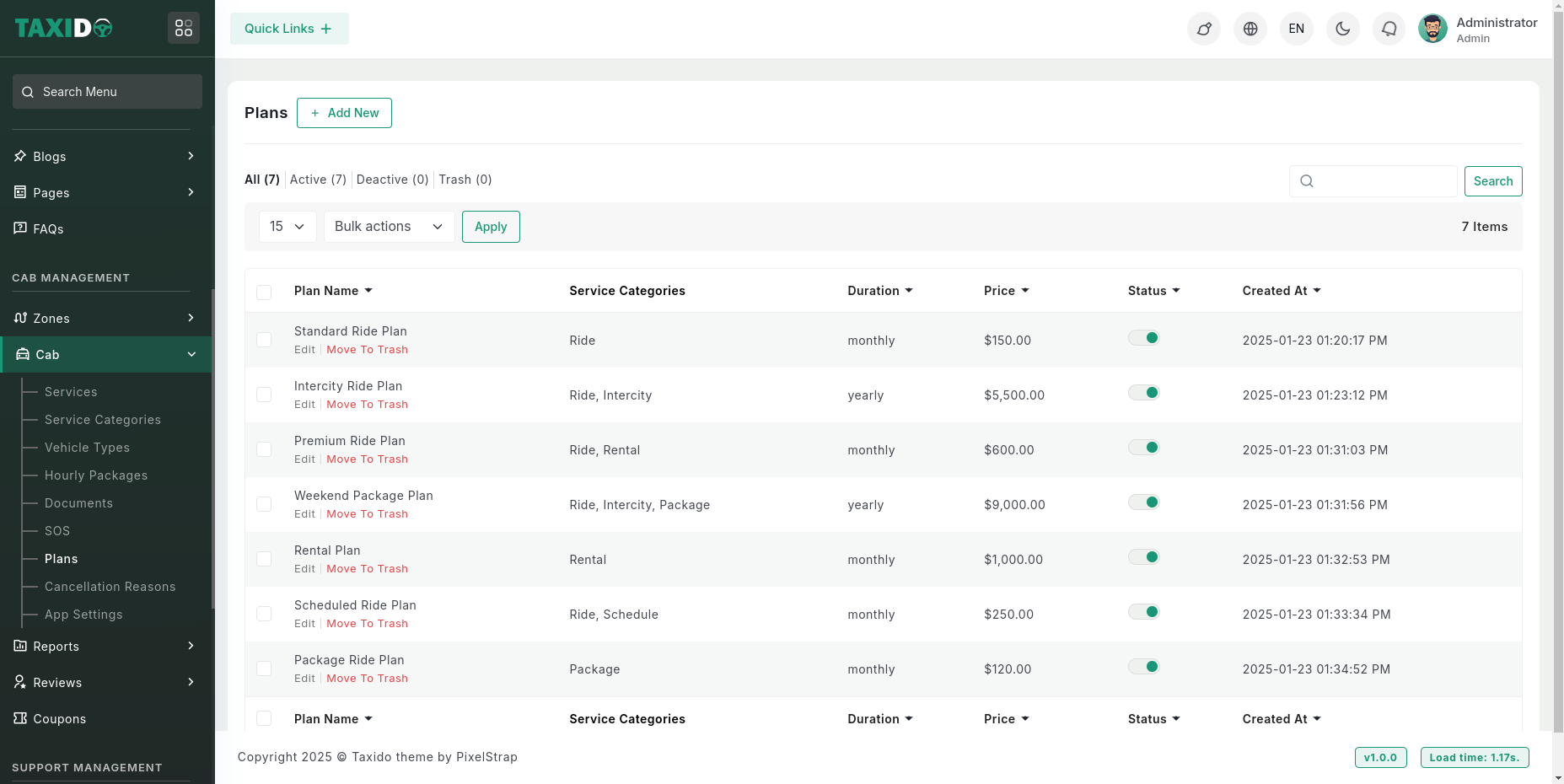
The **Plans** in Taxido offer ride packages to users, available on a monthly and yearly basis.
#### Navigate to Plans:
On the admin sidebar, find and click on the Plans which available on "Cab Management".
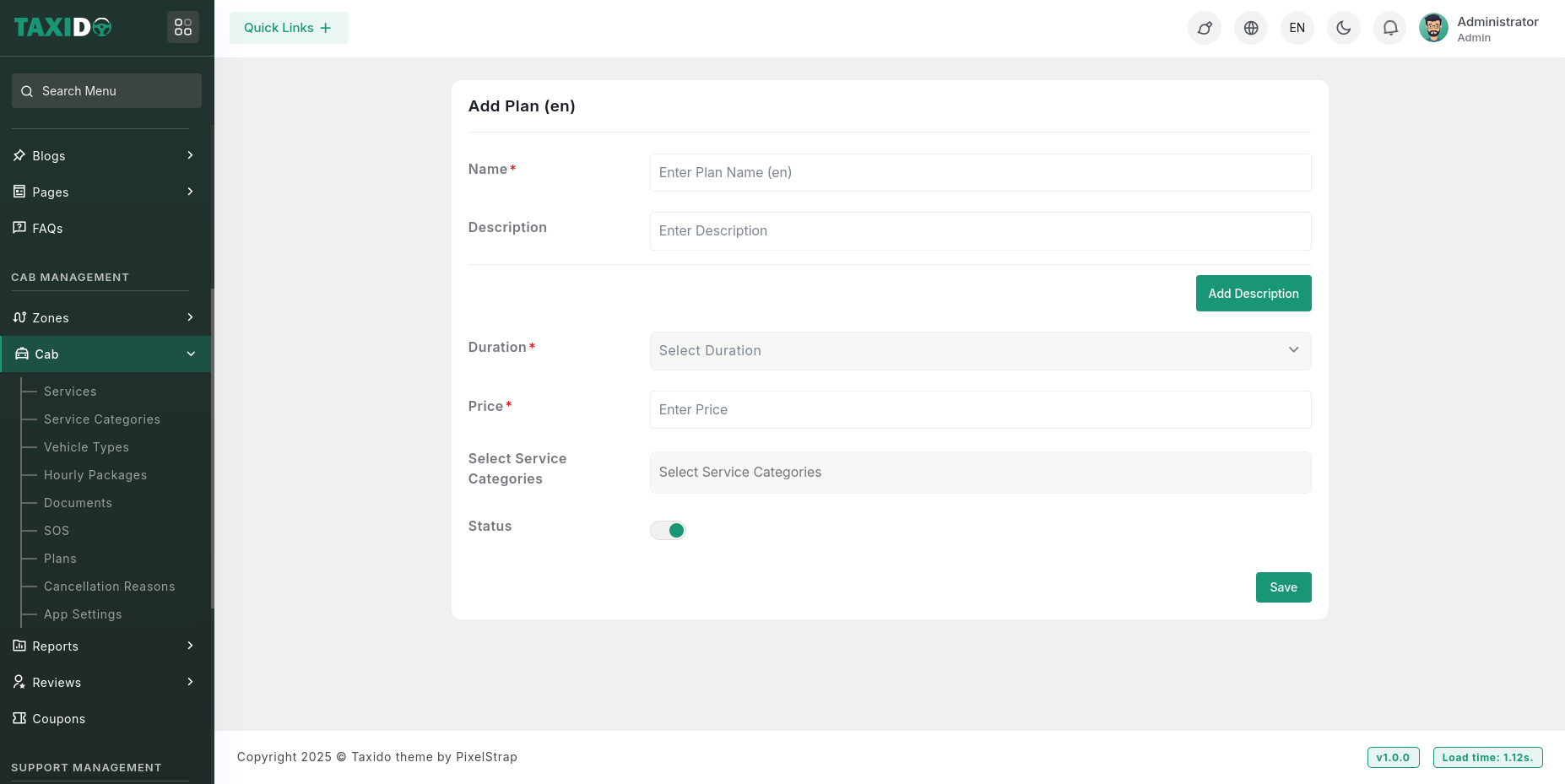
**Add New:** The button allows you to create a new plan by entering relevant details such as name, description, service categories, price, and duration.
**Fill in the required details for the Plan:**
1. Name: Enter a unique name for the plan.
2. Description: Provide a description of the plan (optional).
3. Duration: Choose the plan's duration (e.g., monthly or yearly).
4. Price: Specify the price for the plan based on the selected duration.
5. Service Categories: Select the service categories to which this plan applies. The plan will be available only for the selected service categories.
6. Status: Set the status to either "Active" or "Inactive." If the status is "Active," this plane is available in the system. If "Inactive," it will not be available for use.