# Drive
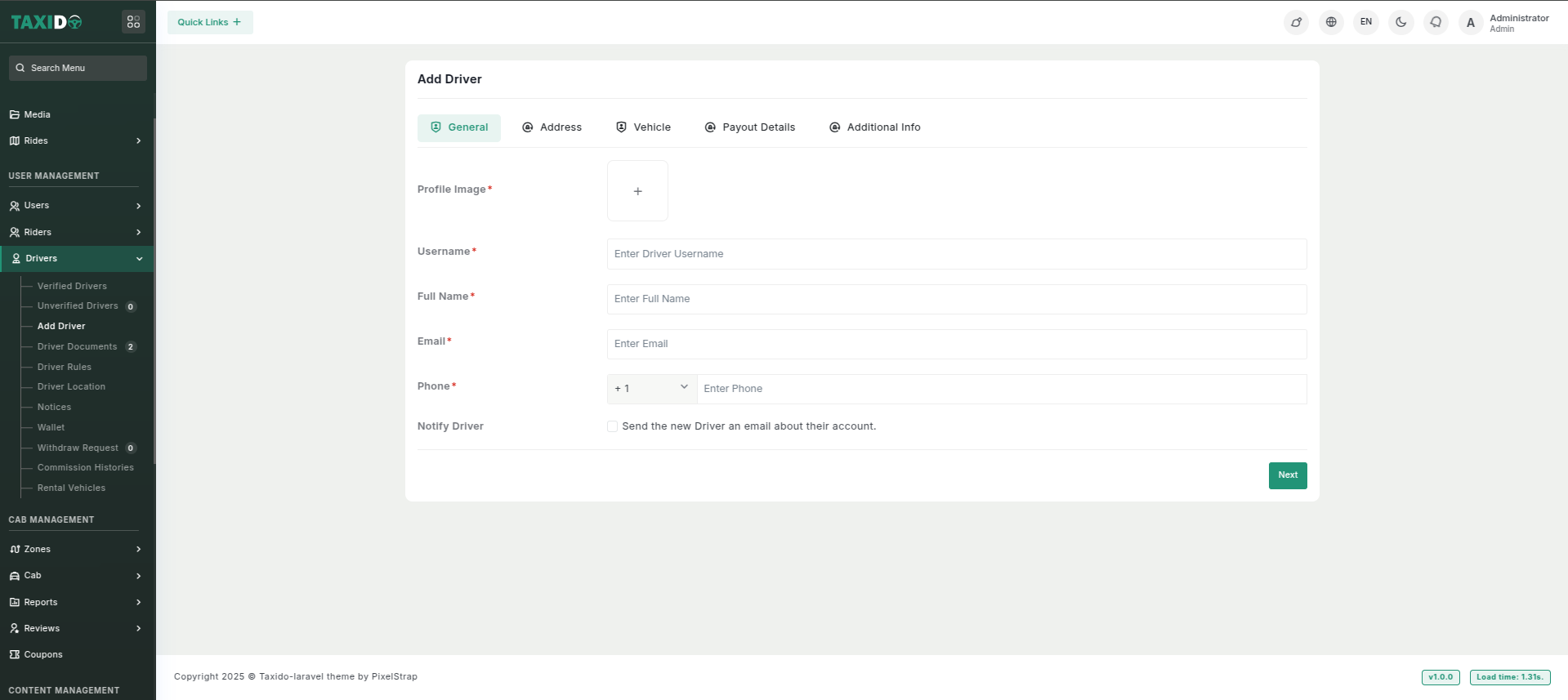
The **Add Driver** form allows input complete driver details across multiple tabs, including general information, address, vehicle details, payout details, and additional information, ensuring all necessary data is captured efficiently.
**Unverified Driver**
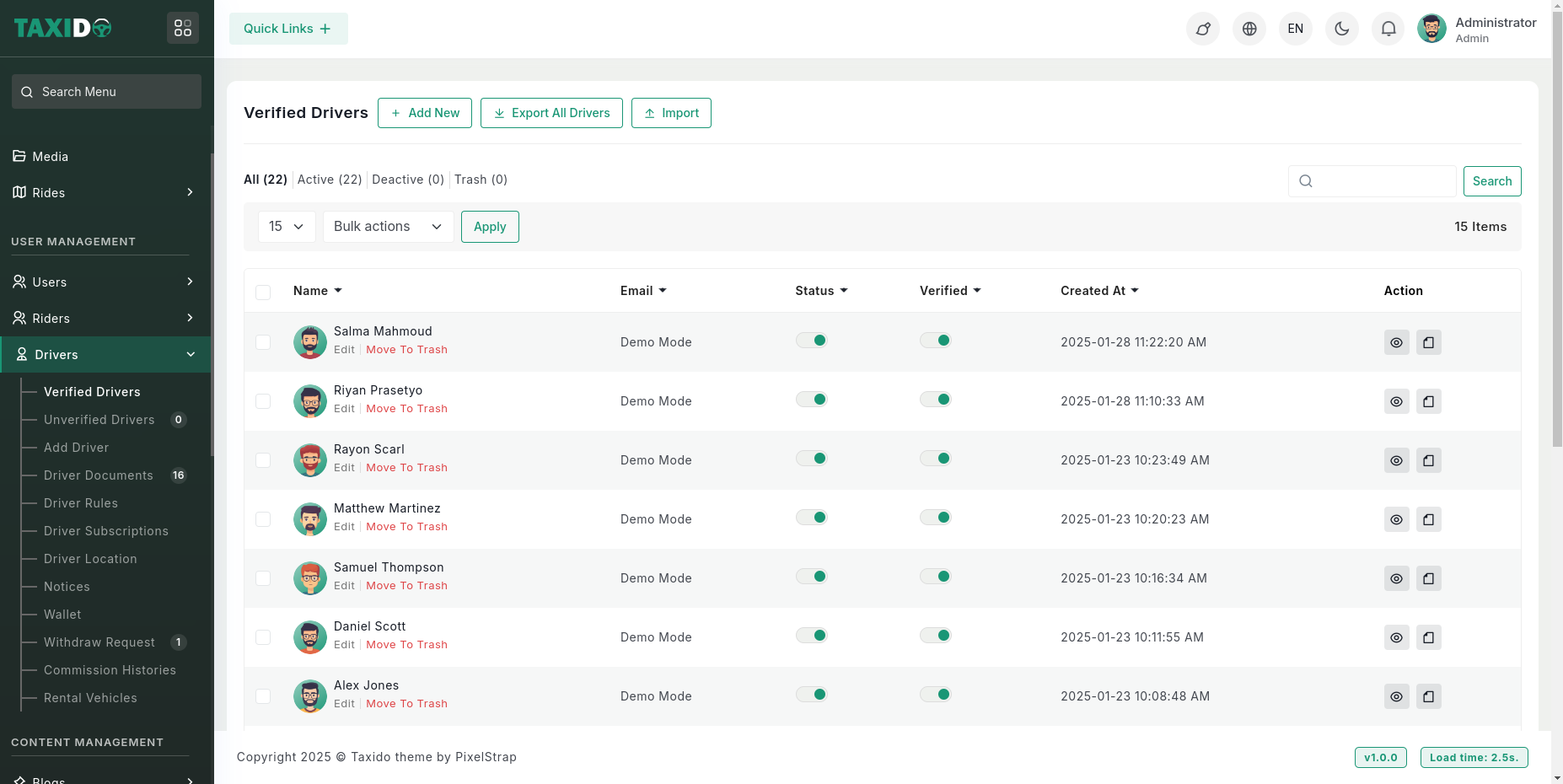
**Unverified Drivers** are drivers who have not yet undergone the verification process. Their status remains unverified until manually approved by the admin. Admin verification involves reviewing uploaded documents before approval.
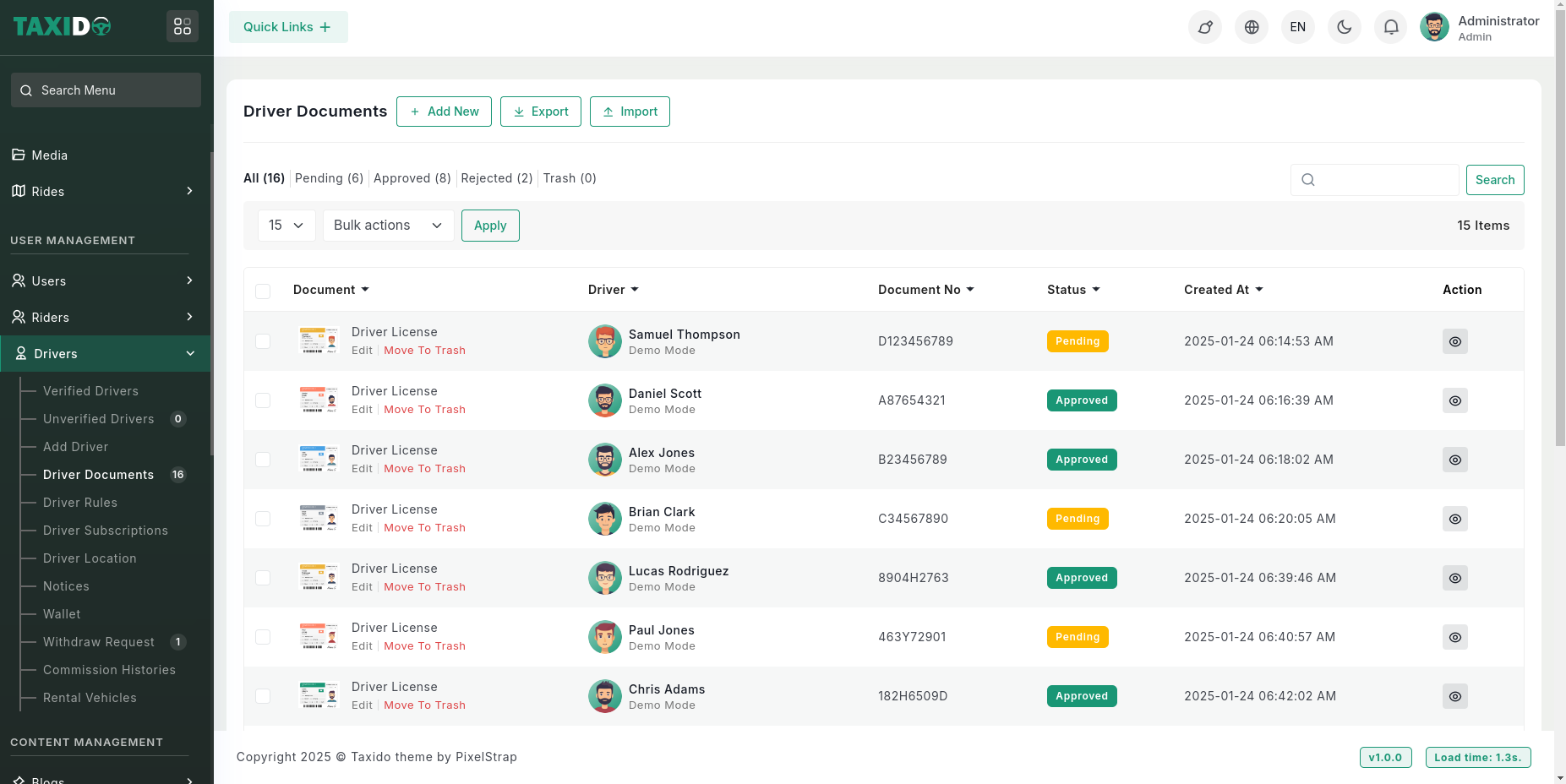
The **"Driver Documents"** section displays the status of uploaded documents. A **"Pending"** status means the admin must review and verify the documents before approval.
Once the **Driver** is verified, their documents are automatically approved, so they can start without any manual approval needed.
The **Driver Fields** include essential information such as address, payout details, and vehicle details that drivers must provide during the registration process.\
These fields are marked as **required**, meaning drivers must fill them out before they can complete their registration.\
This ensures that all necessary details, including personal information and documents, are submitted for verification.
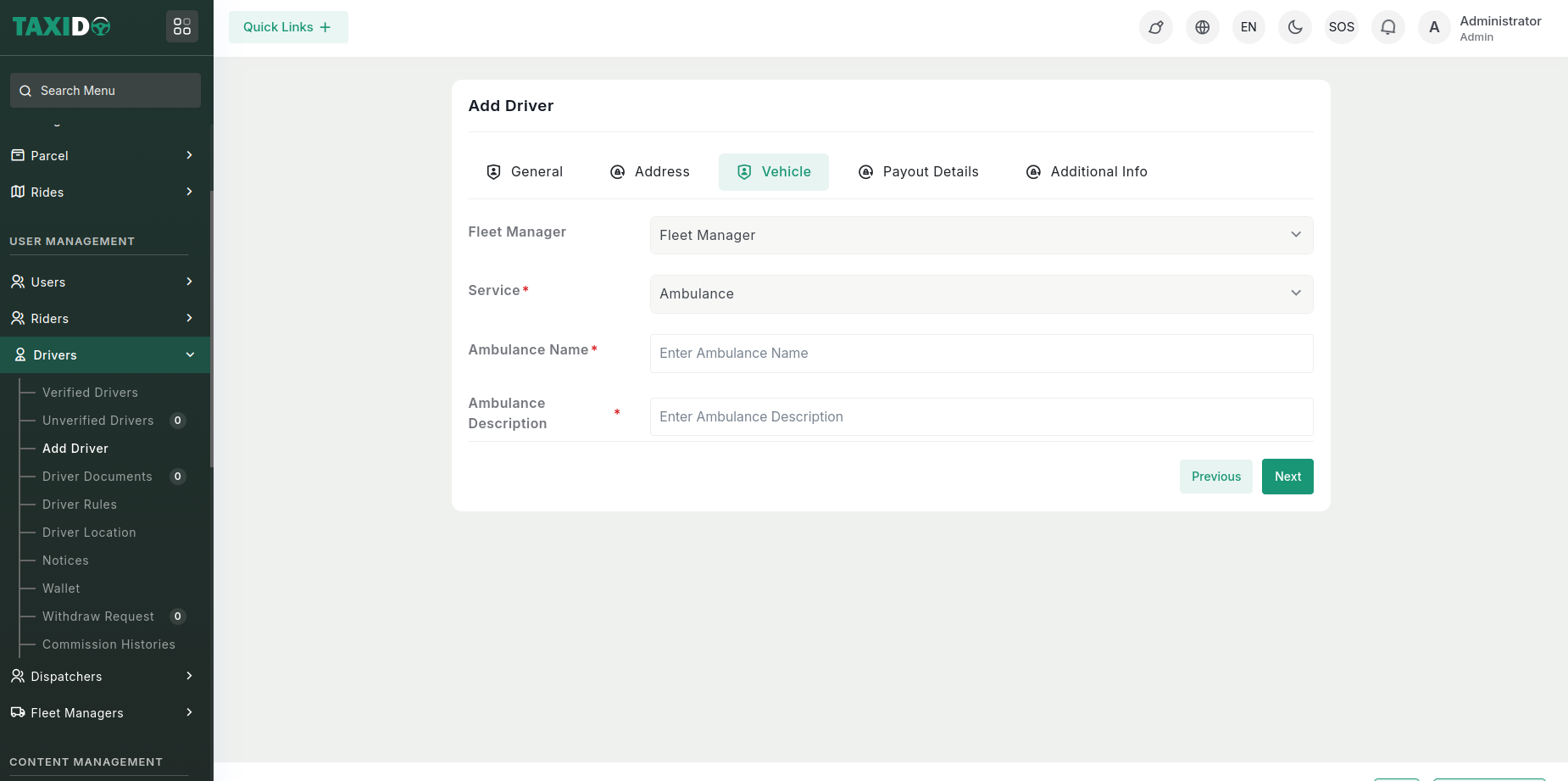
When creating a driver for the ambulance, add the ambulance name and description, then associate the ambulance with that specific driver.
Similarly, when adding a driver, assign a fleet manager to the driver and associate that particular fleet manager with the drive