# Taxes

**How to add tax ?**

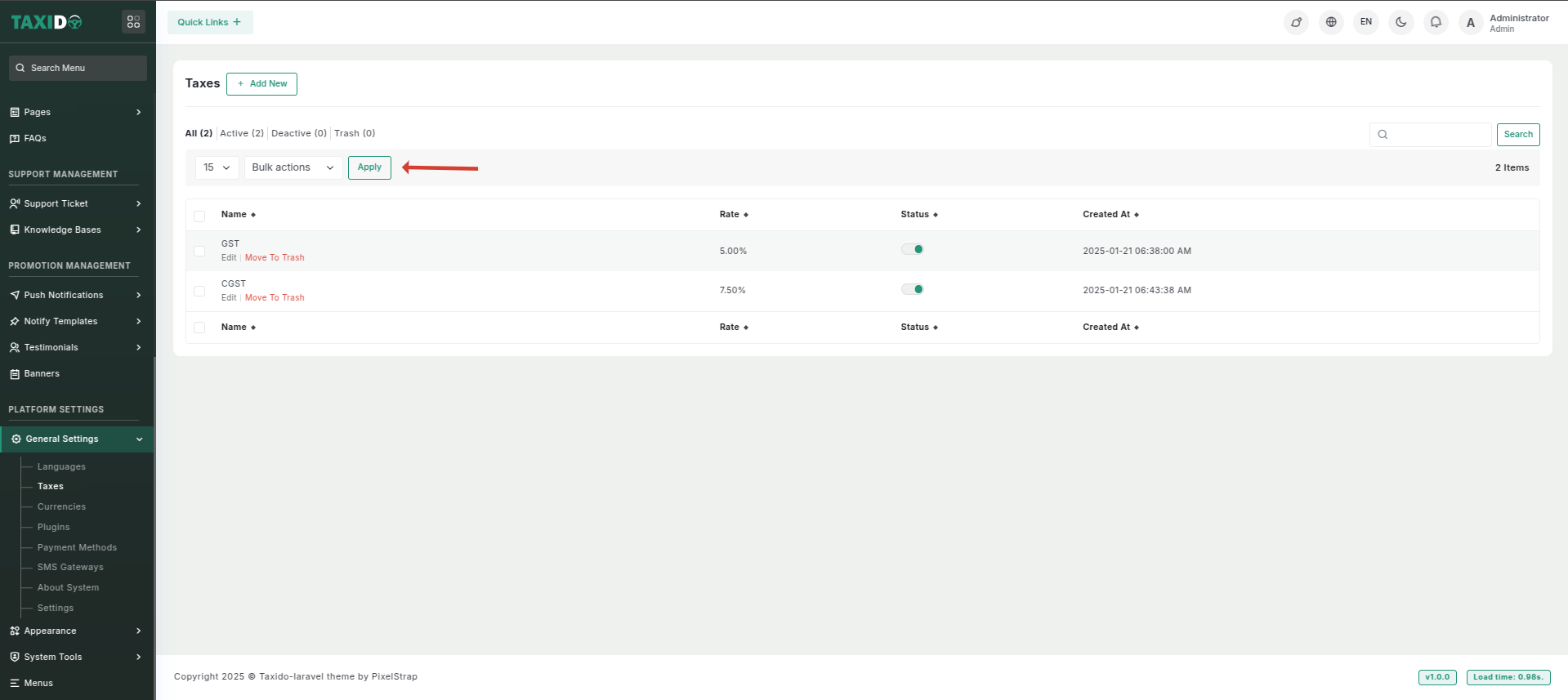
Click the **Add New** button to create and configure a new tax.

<figure><img src="https://docs.pixelstrap.net/laravel/taxido/assets/images/laravelApi/taxido/tax.png" alt=""><figcaption></figcaption></figure>

<figure><img src="https://74030740-files.gitbook.io/~/files/v0/b/gitbook-x-prod.appspot.com/o/spaces%2F6o4UzjBZtMQpeq4oeh8s%2Fuploads%2Fb1yJcwOxzCJyDGyqvA3f%2Fimage.png?alt=media&#x26;token=4f876e0a-b45a-43a9-9c04-2871773c4bc0" alt=""><figcaption></figcaption></figure>

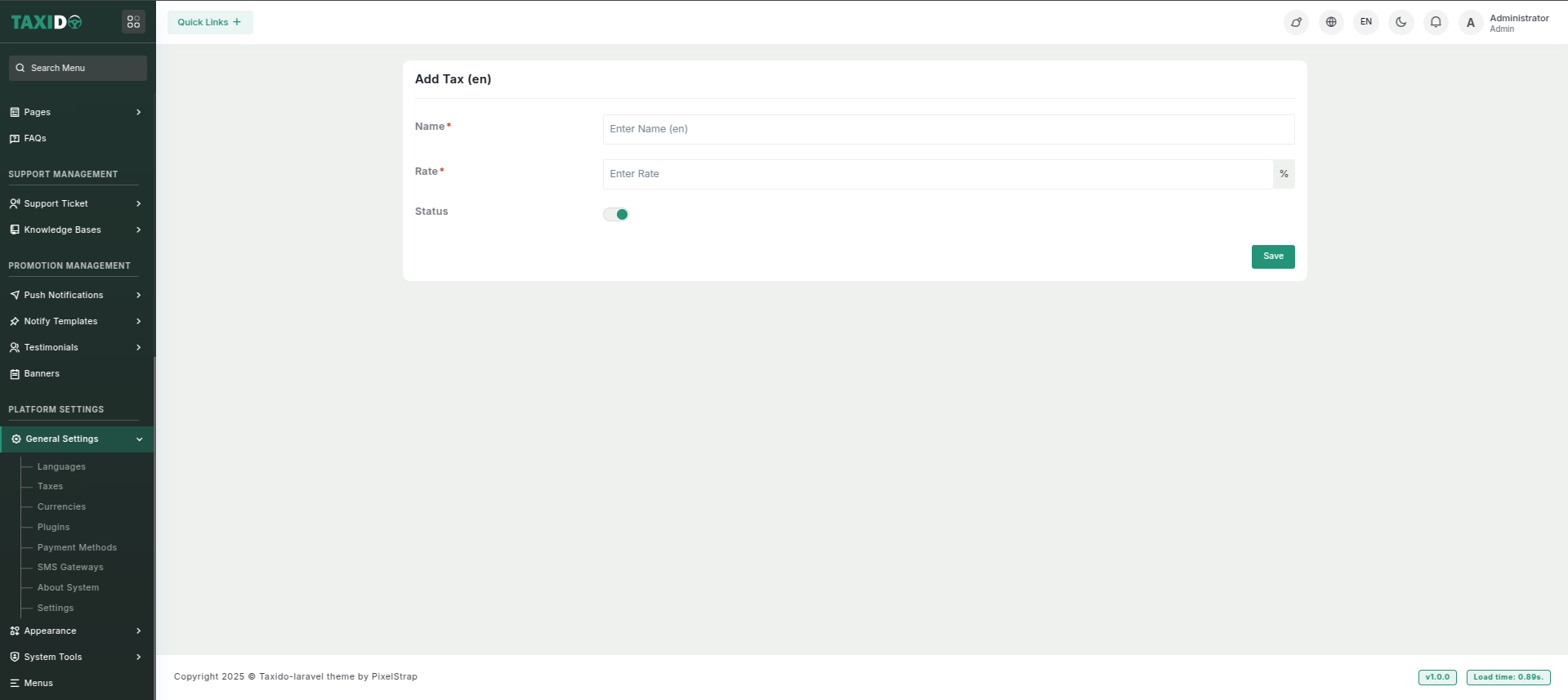
* **Name:** Enter the name of the tax (e.g.Sales Tax, VAT).
* **Rate:** Specify the tax rate as a percentage (e.g., 15%).
* **Status:** Toggle this option to activate or deactivate the tax. If enabled, the tax will be active in the system; if disabled, it will not be applied.