# System Tools
#### **System Tools**
**The System Tools section in the Admin Panel includes the following sub-sections, providing various system management tools:**
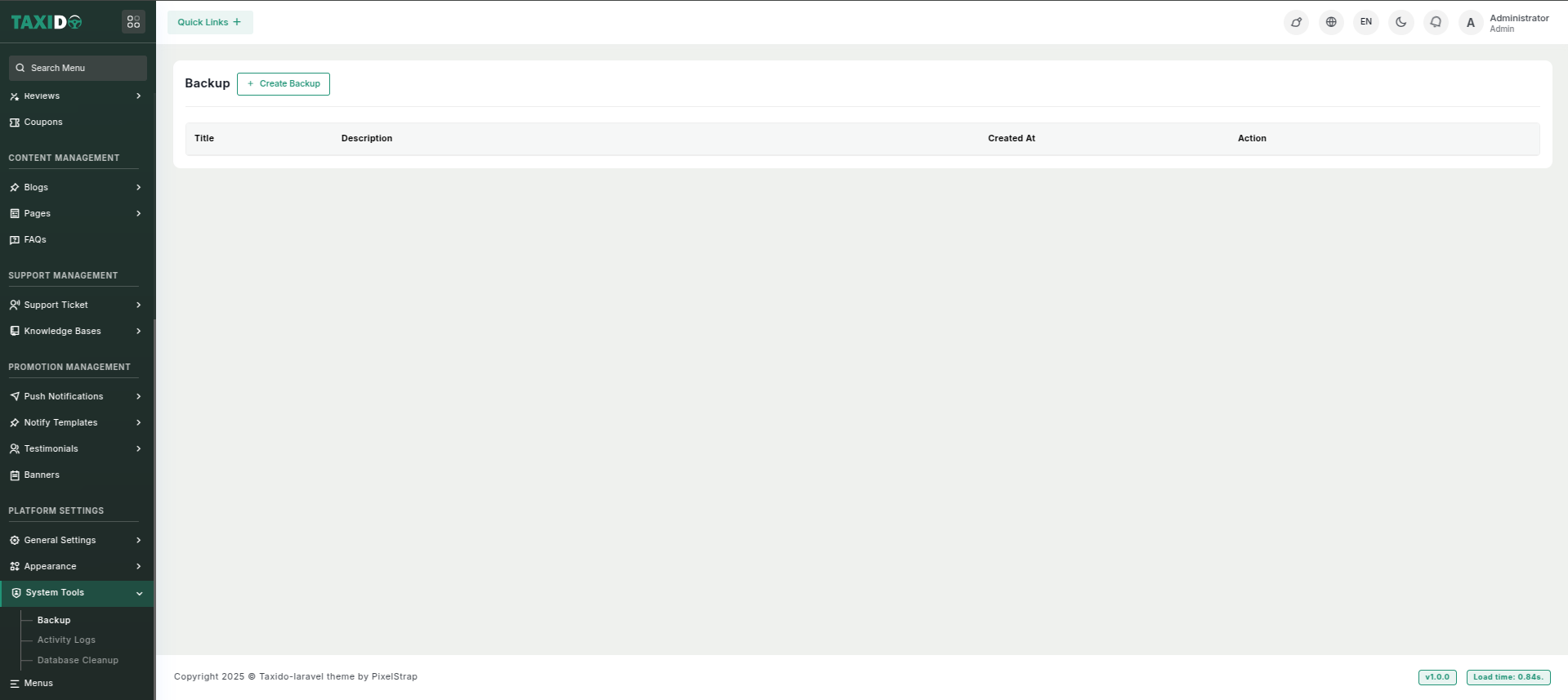
* The **Backup** section allows the admin to generate backups of different system components, including the **Database**, **Project Files**, and **Media Folder**. The user can download the backup files individually by clicking the respective action buttons. There is also a **Restore** button for restoring the database and media files from their respective backup zips.
* The **Activity Logs** section displays a table of all system activities, allowing the admin to view detailed logs of actions taken within the system. The table includes information such as activity type, date, and user who performed the action, helping the admin monitor system usage.
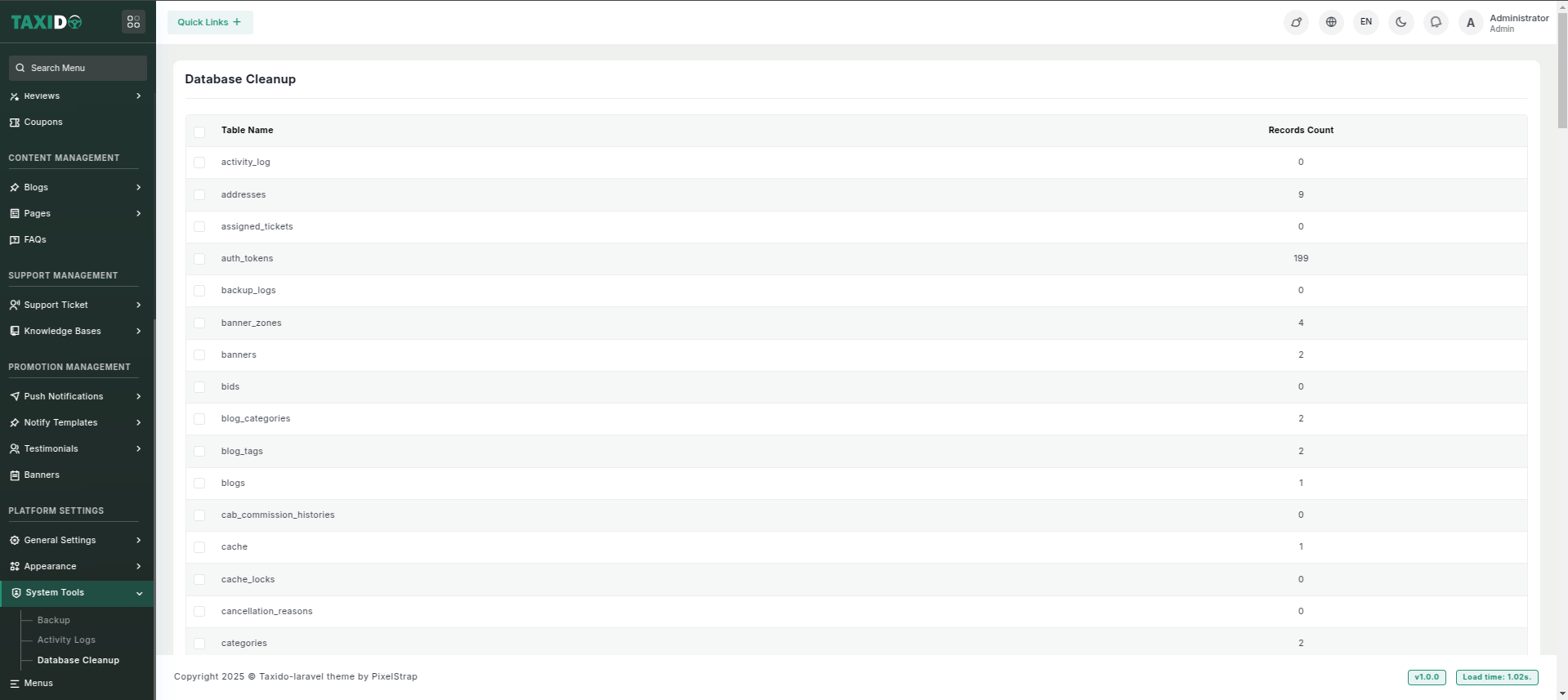
* The **Database Cleanup** section enables the admin to clean specific tables or all tables in the database. The user can select a particular table or choose to clean all database tables, helping to maintain the system's performance by removing unnecessary data.