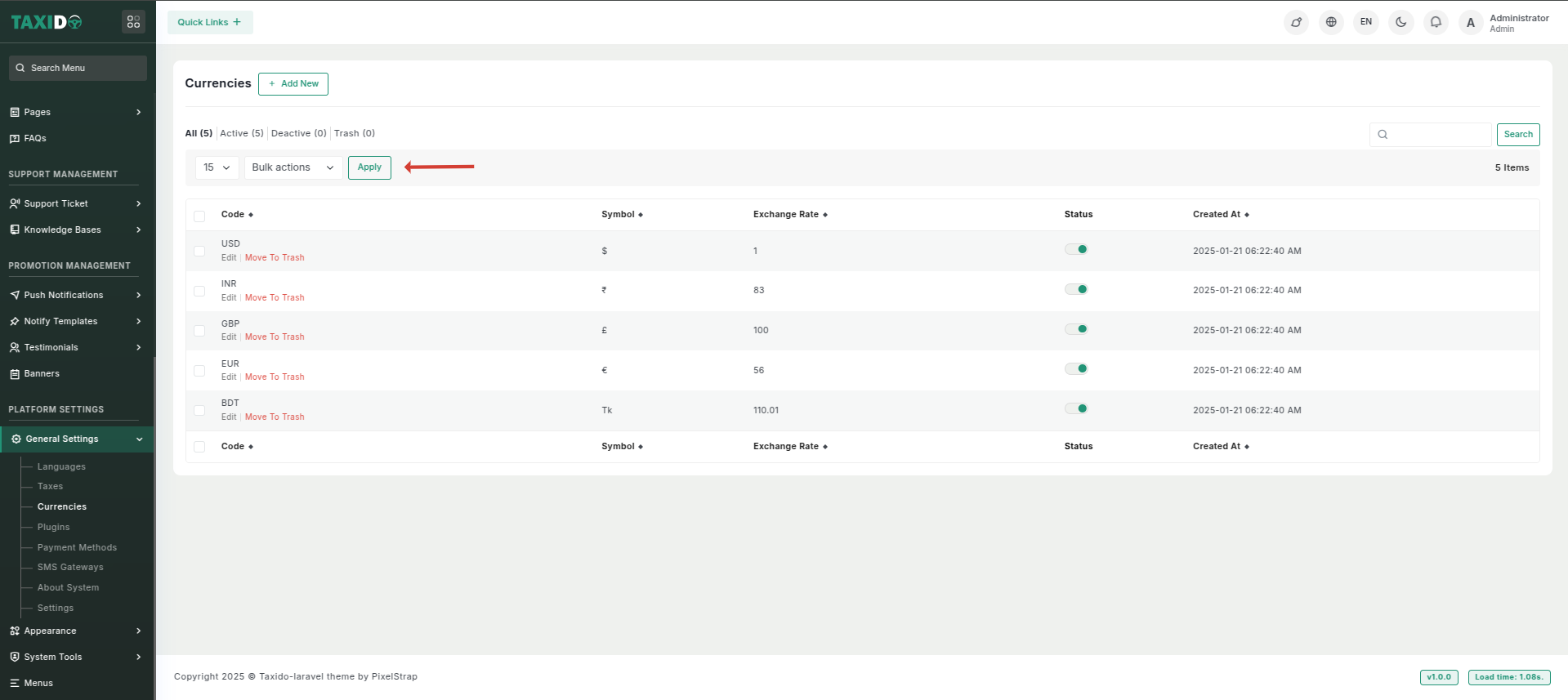
# Currencies
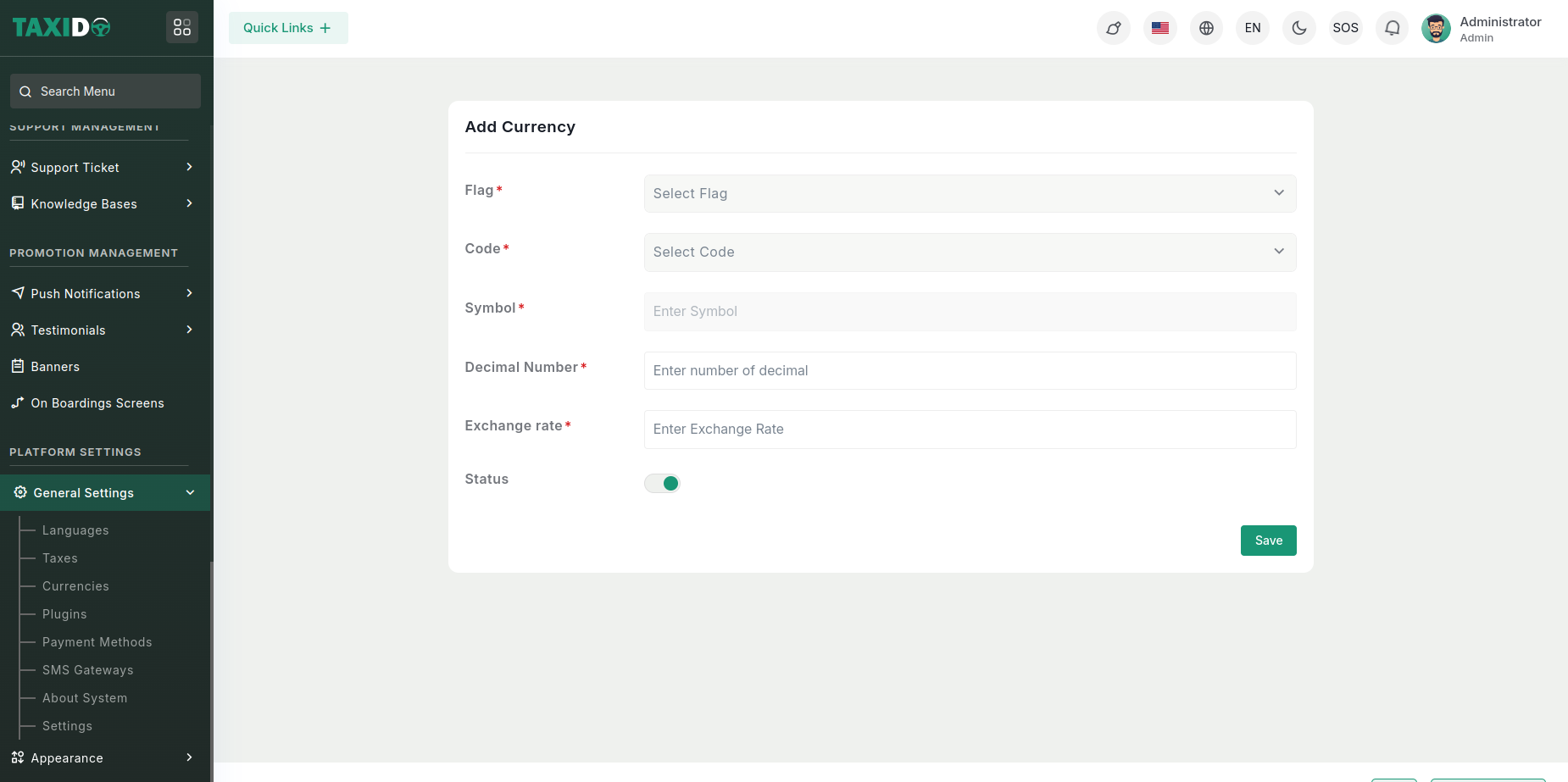
#### **How to add currency?**
* **Currency Code:** Choose your desired currency code from the list. Once selected, the system will automatically fetch and display the correct currency symbol for you.
* **Currency Symbol:** No need for manual input! The system will instantly apply the corresponding currency symbol based on the selected code.
* **Decimal Number:** Configure the number of decimal places to display for the selected currency. This ensures precise formatting for financial values.
* **Exchange Rate:** Enter the exchange rate for converting other currencies to the base currency (e.g., US Dollars). The exchange rate is crucial for financial calculations.
* **Status:** Activate or deactivate specific currencies. Deactivated currencies will not appear as options in the system.
### Currency Settings
The **Currency** setting lets you choose the default currency for your system. Remember to click **Save** after selecting.